PWABuilder is an open source tool that allows developers to package their PWAs for publishing to various stores, including Microsoft, Google Play, Meta Quest, and the iOS App Store.
Prerequisites
If your web app meets a few baseline PWA requirements, you can use PWABuilder to validate, score, and package your application for stores.
Your PWA needs to:
- be published at a public URL
- have a complete web manifest
- be secured with HTTPS
If your app meets these requirements, you can package with PWABuilder.
Resource: https://docs.pwabuilder.com/#/builder/quick-start
Converting Existing Web Apps to PWAs
If you have an existing web app that you want to convert to a progressive web app, you can use PWABuilder Studio to add the necessary pieces to your app.
- Install PWA Builder vscode extension: The PWABuilder Code extension is available within Visual Studio Code in the extensions tab. If you search for
PWABuilder StudioorPWABuilder - Add web manifest: https://docs.pwabuilder.com/#/studio/existing-app?id=add-a-web-manifest
- Generate service worker: https://docs.pwabuilder.com/#/studio/existing-app?id=add-a-service-worker
- Generate icon: https://docs.pwabuilder.com/#/studio/existing-app?id=generate-icons or you can create your own here: https://favicon.io/favicon-generator/
- Deploy PWA Web App using GitHub (https://docs.pwabuilder.com/#/starter/publish?id=github-pages ) or other hosting providers
Validating and Generate Package for store
- Visit https://www.pwabuilder.com/ and add the URL of your website there:
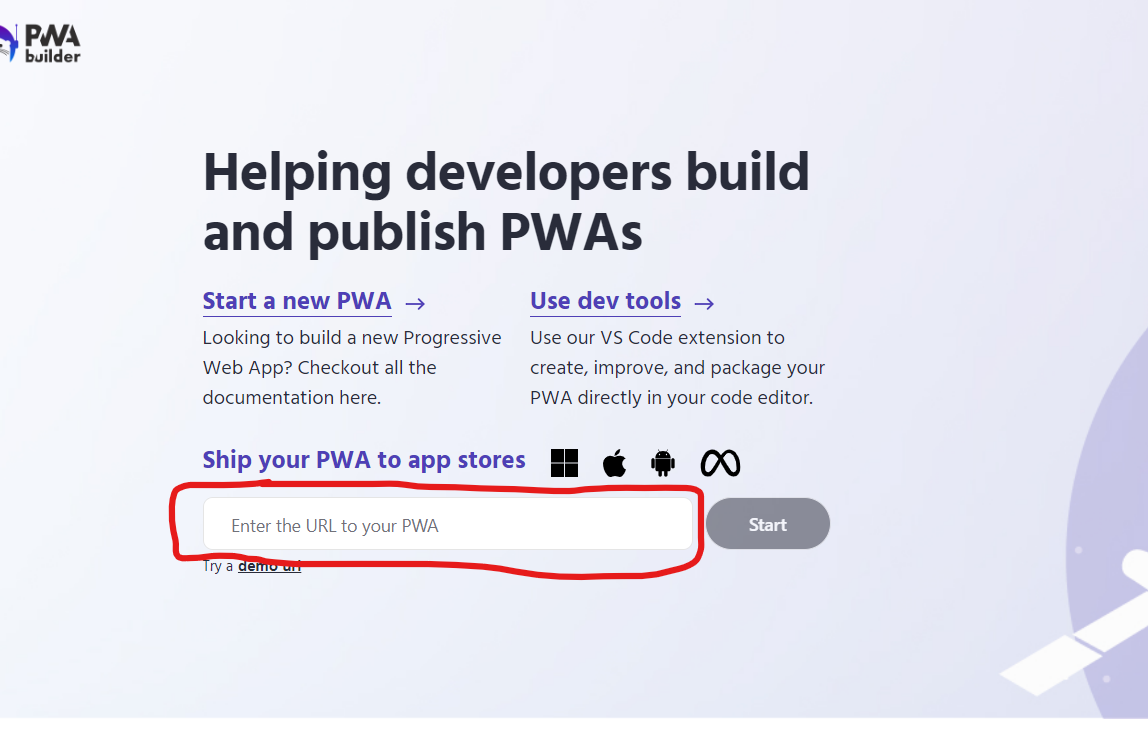
- Wait until the process done, they will validate and check if our app is ready to push to store e.g. google play store
- They will give us some suggestions that we can improve
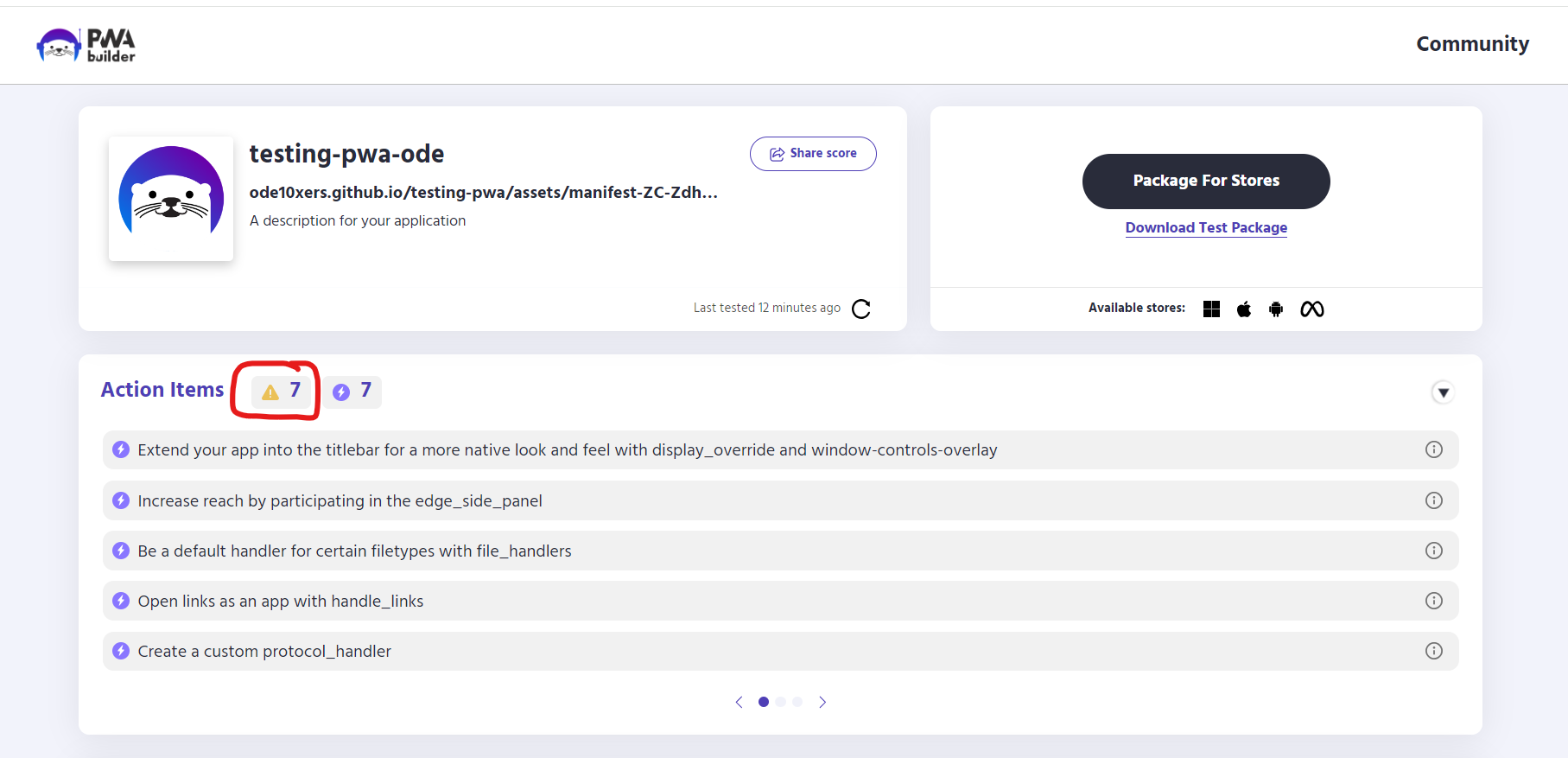
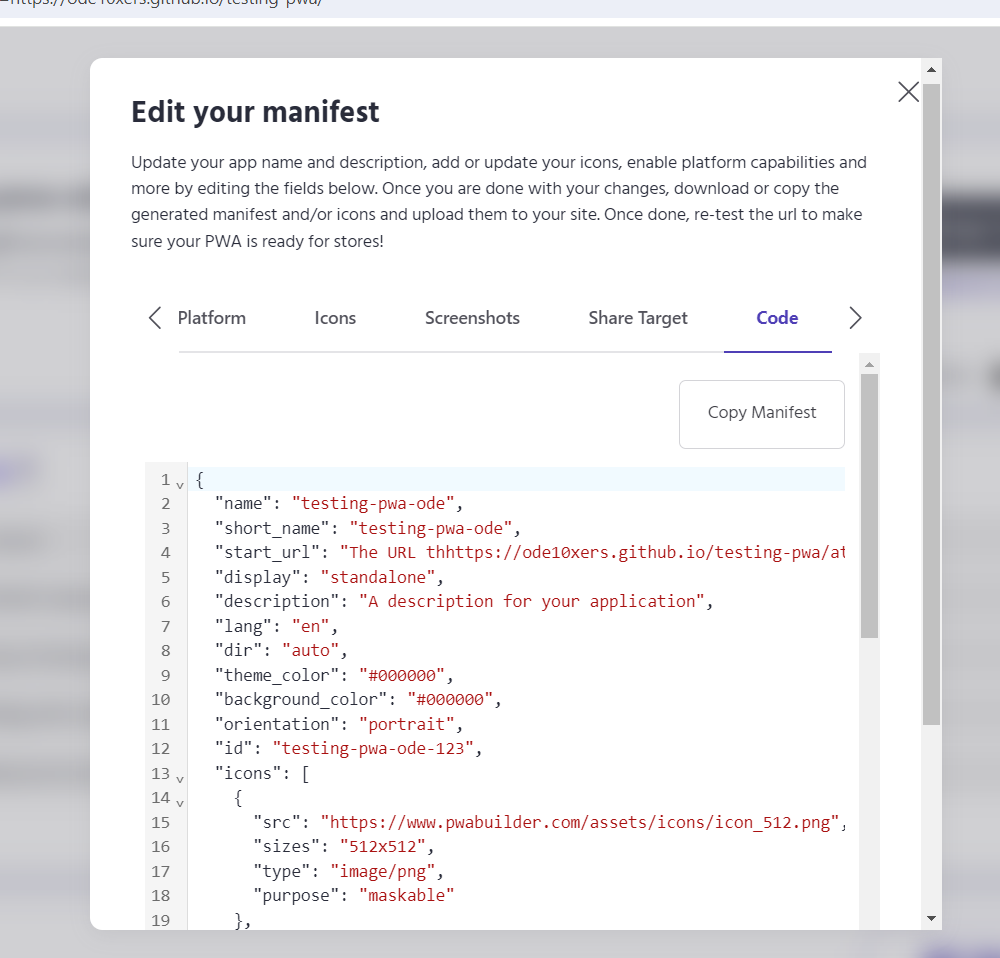
- We need to check that and make sure we have already added the settings that are required for our web app. That have a GUI that can help us edit the manifest file for the PWA settings
- After that, we can download the package for our app
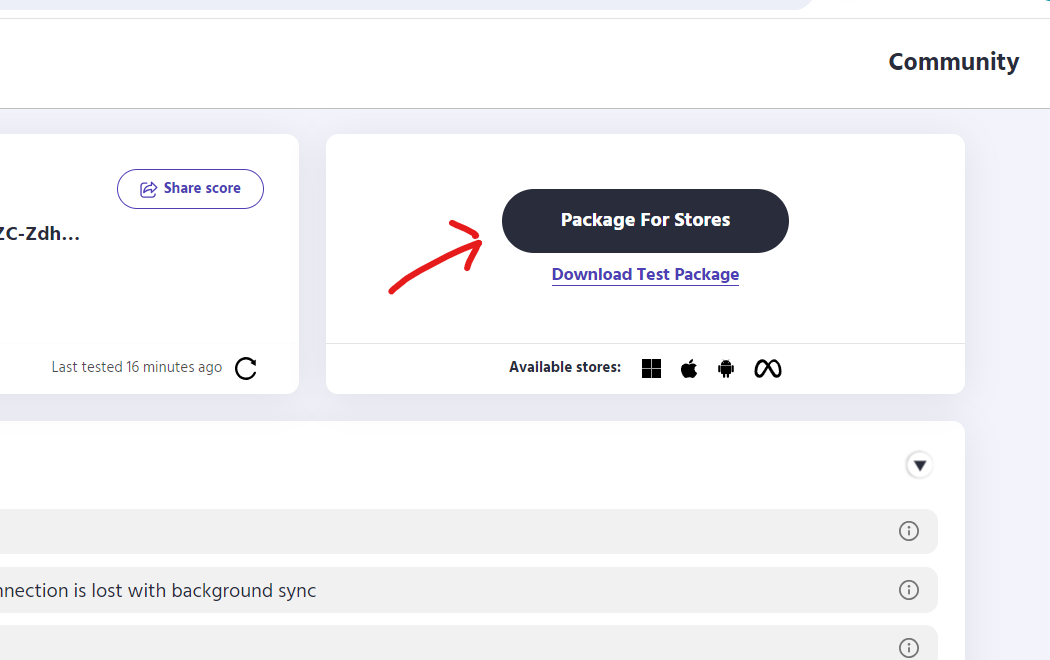
- Then we need to deploy our assetlink.json that we get from the package: https://docs.pwabuilder.com/#/builder/android?id=publish
- For uploading our app to google play store we can follow this: https://docs.pwabuilder.com/#/builder/android?id=_2-upload-your-app-to-the-google-play-store and https://developers.google.com/codelabs/pwa-in-play#3
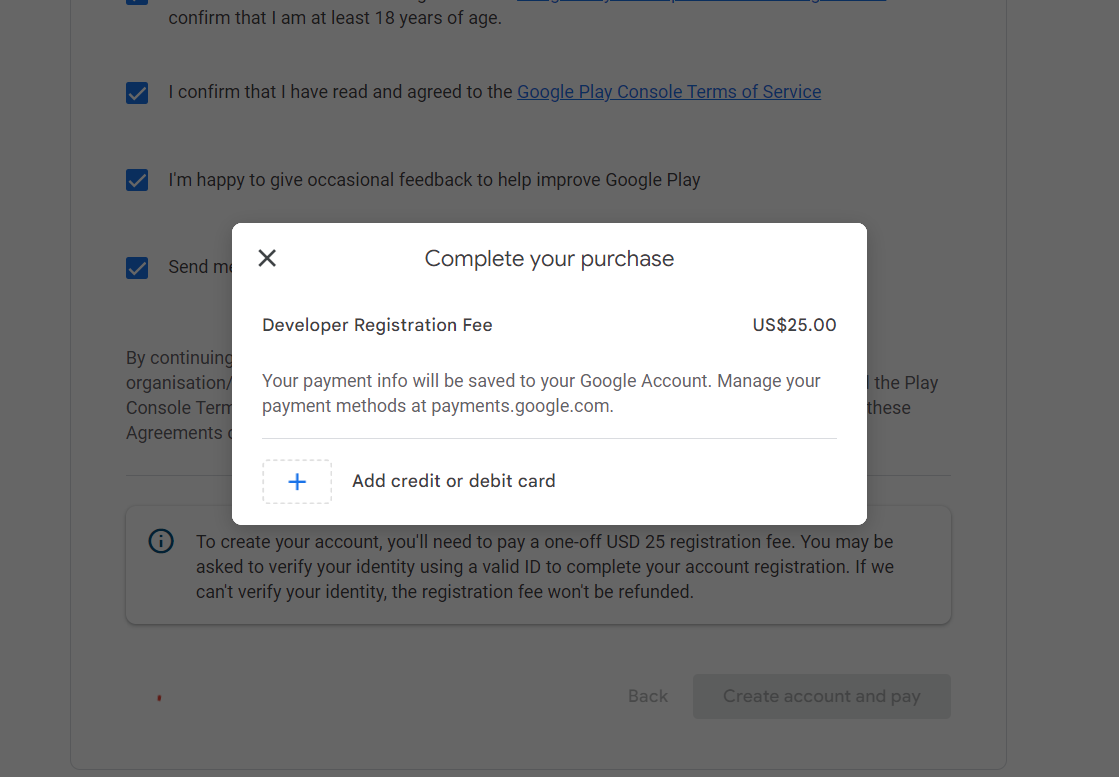
- I cannot check any further for that because I didn’t have google play store account, because I need to purchase to create account:
Conclusion
- PWABuilder is only a tool that help us to create PWA
- They have a pre-setup template that we can use to build a PWA
- Even if we don't want to use their template because they didn’t use react.js, we can still use their tools to guide us to set up the PWA in our current app e.g. validating and editing our manifest.json file.
- PWABuilder enables developers to quickly and easily to generate store uploadable packages for the Microsoft, Google Play, and iOS App stores.